Keeping up with WordPress design trends can feel like chasing a target, especially when you’re juggling client projects and tight deadlines. One month it’s all about bold typography, the next it’s headless architecture. The pressure to stay current is real.
This guide cuts through the noise. We’ll focus on what will genuinely impact your web design work in 2025. You’ll see how headless WordPress is changing website development.
We’ll explain why minimalist design still dominates user interface choices. Dark mode has become standard, and we’ll show you why. You’ll also learn how voice search optimisation and micro interactions can lift user engagement and drive better results.
Keep reading to learn everything you need to know about the WordPress trends shaping 2025.
Why Headless WordPress Is Worth Your Attention
Headless WordPress gives you speed, security, and flexibility that traditional setups can’t match. That’s why more web developers are paying attention to this architecture.
Here’s what it does. Headless WordPress separates your site’s frontend from its backend. Your content lives in WordPress, but you can display it anywhere using different technologies. Think of it like one central kitchen serving multiple restaurants.
The benefits are clear. Your site loads faster without heavy themes slowing it down. What’s more, security improves because hackers can’t easily access your admin area. Plus, you can build mobile apps or multiple websites that all pull from the same WordPress content.
High traffic sites benefit most from this setup. Yes, it takes more upfront development work. But you get faster load times and easier scaling as your client’s business grows. Brisbane teams are now adopting this approach for projects where performance can’t be compromised.
But speed and flexibility aren’t the only things shaping modern WordPress sites.
Minimalist Design Still Wins User Hearts
Minimalist design puts content first and removes everything else. This approach continues dominating user interface choices because it solves real problems for visitors and businesses alike.
Let’s be honest, clean, simple layouts deliver measurable benefits for your WordPress website. Here’s what you gain:
- Faster page speeds: Fewer visual elements mean smaller file sizes and quicker load times. Your pages appear instantly, which keeps visitors engaged instead of leaving. Research shows 53% of mobile users abandon sites that take longer than three seconds to load.
- Better focus for users: Stripping away unnecessary clutter helps people find what they need. For instance, visitors can scan your content and complete actions without getting distracted. Also, when your site removes competing visual noise, user engagement naturally improves because the path forward becomes obvious.
- Mobile screens work better: Small displays force you to prioritise what’s most important. Designing for phones first creates responsive websites that look good everywhere. This mobile-first thinking ensures your site delivers a smooth experience.
- Higher conversion rates: White space isn’t wasted space. It guides the eye, creates visual hierarchy, and makes your key messages stand out. Sites with generous spacing often convert better because visitors can process information without feeling overwhelmed by crowded layouts.
Web designers in Brisbane are seeing clients request cleaner interfaces more than ever. The trend isn’t fading because it works for both user experience and business results.
Dark Mode Is Now Standard
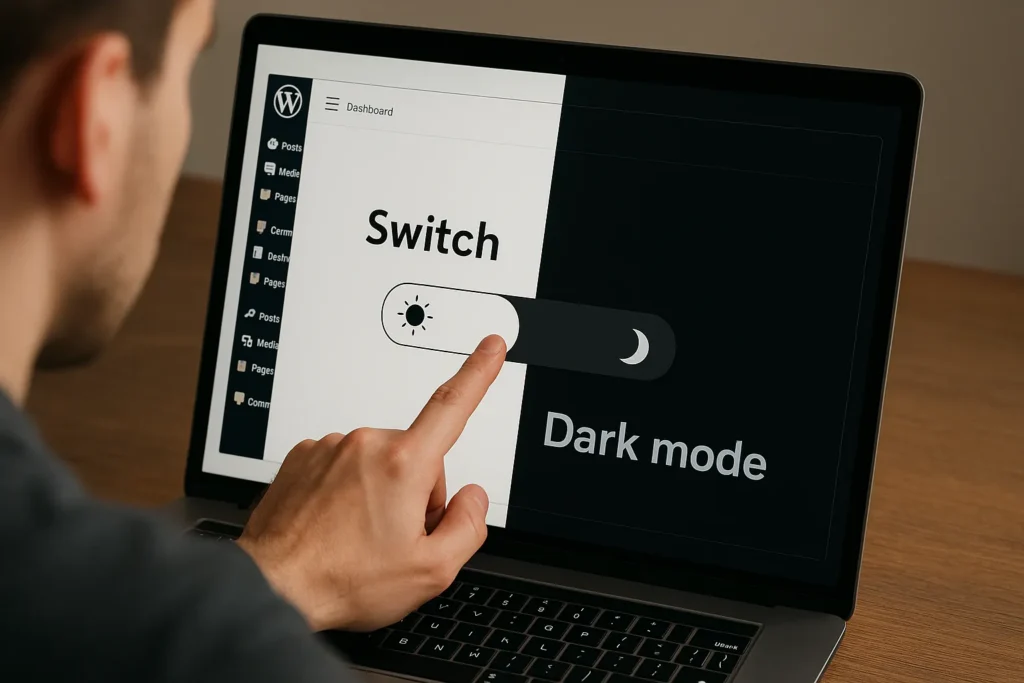
Dark mode is everywhere now. Over 80% of smartphone users keep it enabled, so your WordPress site needs to offer it too.
Why do people love it? Darker screens reduce eye strain, especially at night. Battery life improves on OLED displays. Plus, the interface just feels easier on the eyes when you’re browsing all day.
Adding dark mode isn’t hard anymore. Modern CSS detects user preferences automatically. Many WordPress themes include it built in, so you often don’t need custom development.
Dark mode also helps accessibility. On top of that, people with light sensitivity rely on darker interfaces to browse comfortably. When your site adapts automatically, you’re making their experience better.
Sites without dark mode feel behind the times. Visitors indeed notice when your site matches their settings. This feature has moved from nice-to-have to expected.
Speaking of expectations, voice search is changing things quickly, too.
Voice Search Changes Content Strategy
Voice search has changed how people find information online. Users now ask their phone, “Who’s a good WordPress developer near me?” instead of typing short keywords. Your content strategy needs to match this conversational style.
The changes are happening fast across digital marketing:
Voice Search Growth
Voice assistants like Siri, Alexa, and Google Assistant handle billions of searches every month. These tools look for sites that use natural, conversational language. Your WordPress site misses out on traffic if it’s not optimised for how people actually speak.
The market is growing fast, too. For instance, Juniper Research expects businesses to spend $19 billion on voice search advertising by 2025.
Optimising for Voice
Question-based headings work best for voice search. Instead of “SEO Best Practices,” try “What are the best SEO practices for small businesses?” See the difference?
Write the way people talk. Also, use longer phrases that sound natural when spoken. We suggest you go after featured snippets because voice assistants read these as answers.
FAQ sections work great too, especially when they tackle questions your audience keeps asking.
Getting voice search right means meeting users where they already are, which increasingly means talking to their devices instead of typing.
Micro Interactions Make Websites Feel Alive
Voice search focuses on what users say. Micro interactions focus on how your site responds.
These tiny animations and feedback loops, like buttons that change colour or forms that shake when you enter wrong information, make WordPress sites feel alive instead of static.
Here’s what these interactive elements do for your WordPress website:
- Loading animations: Creative spinners and progress bars make wait times feel shorter. Instead of staring at blank screens, visitors see movement that holds attention. This small touch keeps people from assuming your site froze and hitting the back button.
- Real-time form feedback: Fields turn red and show error messages instantly when something’s wrong. This way, users can fix mistakes right away. And so, fewer abandoned forms mean better conversion rates for your business.
- Scroll-triggered reveals: Content that fades or slides into view as you scroll breaks up long pages. These animations guide attention to important sections at the right moment. They make text-heavy pages feel more dynamic and easier to digest.
- Hover state changes: When buttons or links respond to your cursor, you know immediately what’s clickable. Plus, a subtle colour shift or shadow provides that instant feedback. This clarity removes guesswork and makes navigation feel natural for visitors.
Small businesses in Brisbane use micro interactions to compete with bigger brands. These details separate professional WordPress sites from amateur ones, and most can be added without rebuilding everything from scratch.
Staying Ahead in Brisbane’s Competitive Web Design Market
You don’t need to chase every WordPress design trend to stay competitive. Focus on what works for your clients and their goals.
At DPRConference Web Design Agency, we help small businesses navigate these changes. We stay current with WordPress trends so you can focus on running your business. Whether you’re exploring headless architecture, adding dark mode, or building a new website that performs well, our Brisbane team can help.
Bear in mind that some trends work for nearly every project, like dark mode and minimalist design. Others, like headless WordPress, fit specific needs where performance is non-negotiable.
Ready to see which ones suit your business? Get in touch with us today.
Pick the trends that solve real problems for your audience. Ready to upgrade your WordPress game? Get in touch with us today.