Professional WordPress sites prioritise responsive WordPress design while amateur ones treat mobile users as an afterthought. What sets them apart shows up in how your website adapts to screen sizes, loads on mobile devices, and guides visitors through content.
Similarly, most business owners don’t realise their site looks broken on phones until customers mention it. That’s because amateur sites force people to pinch, zoom, and scroll sideways just to read information. On the contrary, professional sites work differently. They adapt instantly so that content stays readable and clickable on everything.
We’ll walk through responsive design fundamentals, mobile-first strategy, and the visual polish that separates professionals from amateurs. The details decide everything.
What Makes a WordPress Site Look Professional?
A professional WordPress site loads quickly, displays correctly on multiple devices, and uses clean typography that’s easy to read. To be specific, professional sites typically load in under three seconds on both computers and cell phones.
Bear in mind, every design choice should serve a purpose instead of slowing performance with unnecessary animations. Based on our firsthand experience, the most common mistake is adding too many plugins. This slows down pages by 3-4 seconds, and users won’t wait that long.
Another characteristic is readable typography with proper spacing across different devices. Professionals understand that visual hierarchy helps guide visitor attention. And so well-designed websites maintain consistent line heights, appropriate font sizes (at least 16px for body text on mobile), and enough white space between content blocks.
We’ve tested hundreds of sites across various browsers, and the ones with messy typography always perform worse in user tests. These fundamentals become even more important on mobile devices because visitors judge your entire business within seconds of landing on your website.
Mobile Devices: Why They Define Your Site’s Success
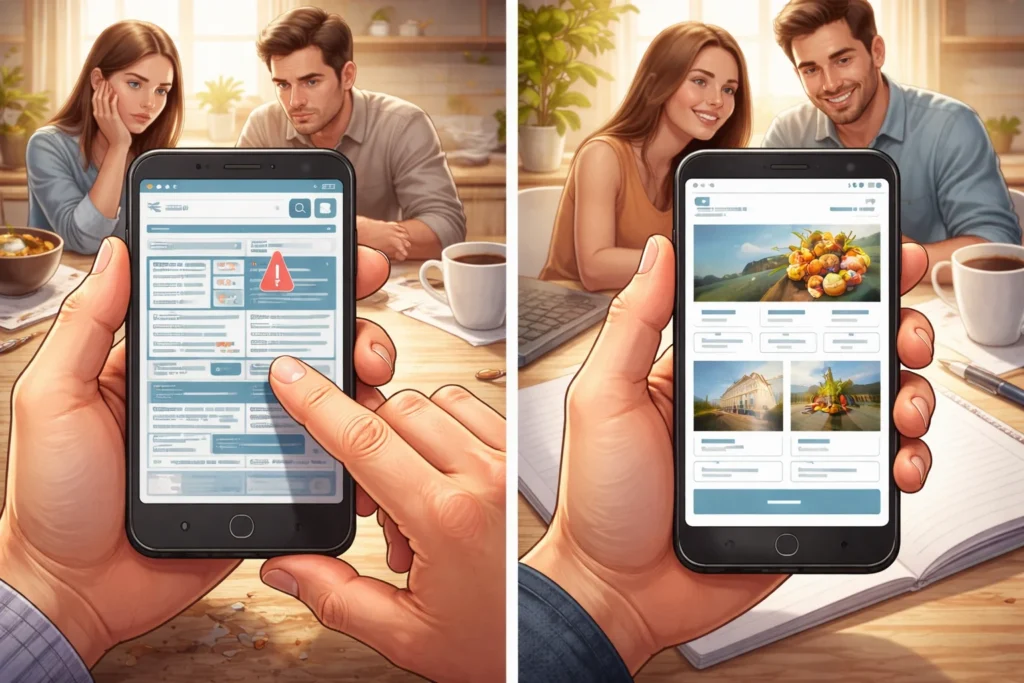
Did you know that 57% of users won’t recommend a business with a poorly designed mobile site?
Over 60% of web traffic in Australia now comes from mobile devices like phones and tablets instead of desktop computers. This shift means your mobile experience directly impacts whether potential customers trust your business enough to contact or purchase from you (and yes, they judge your entire business based on that first mobile impression).
That judgment extends to search engines as well. Google now ranks mobile-friendly sites higher than desktop-only versions because it has switched to mobile-first indexing. That means they use the mobile version of your content for ranking.
If your website doesn’t display correctly on smaller screens, you’re invisible in search results where real users look for businesses like yours. The visitors who manage to find you leave immediately if they need to pinch and zoom to read content.
Here’s how responsive design solves both problems.
What Is Responsive WordPress Design?
Responsive WordPress design eliminates the need for separate mobile versions. What does it mean exactly? Well, imagine your website is like water, automatically filling whatever container (screen) you pour it into, adapting seamlessly to phones, tablets, and desktops.
Here’s how this flexible approach works.
How Flexible Layouts Adapt to Screen Sizes
Layouts use percentages instead of fixed pixels for better flexibility across different screen sizes. For example, a content block might be 100% width on phones, 50% on tablets, and 33% on desktops, ensuring website elements always fit properly.
This percentage-based approach ensures website elements always fit properly and allows content to stack vertically on phones while displaying in columns on wider screens. In the end, to match how users expect modern web design to behave.
Why Fluid Grids Beat Fixed Widths
Fluid grids prevent awkward spacing on unusual screen dimensions by adapting to any screen size. So when you build with fixed widths, your responsive site breaks on screens that don’t match those measurements. Using fluid grids instead keeps your site looking professional across every device.
This flexible foundation supports the mobile-first approach perfectly.
The Mobile First Approach Explained
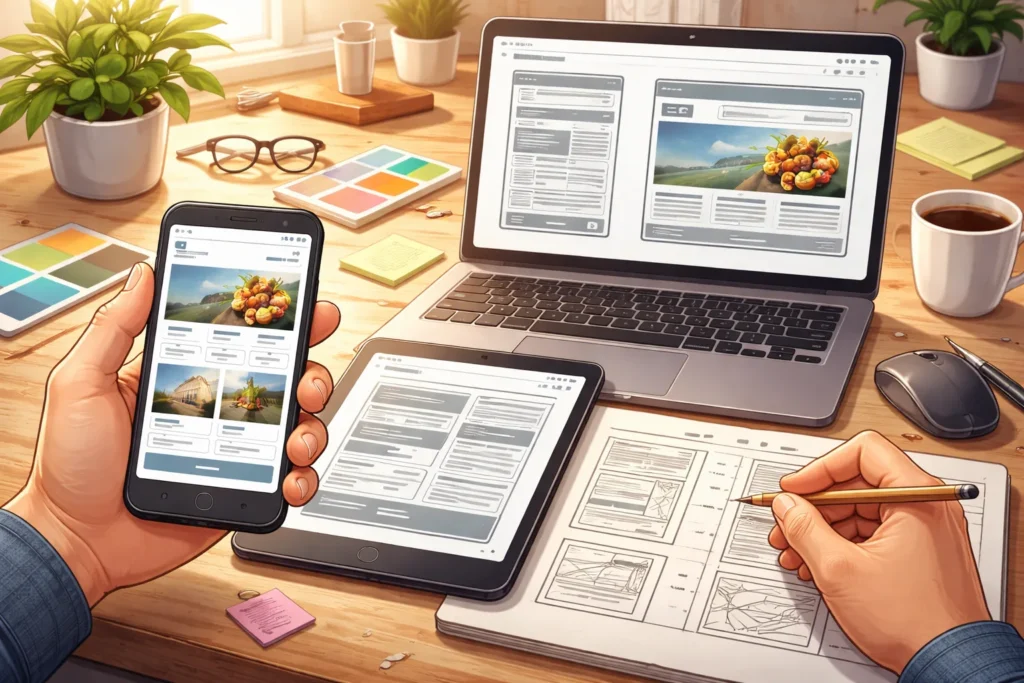
Starting with the smallest screen first eliminates most design headaches. However, most designers still build for desktop first, then squeeze everything onto phones, creating cluttered mobile pages that confuse users.
Here’s why mobile-first thinking changes everything.
Start With Phones First
Typically, designers build phone versions first, then expand features for larger screens. This forces you to make hard decisions about what content deserves space.
Here, your navigation menu becomes a perfect example. Instead of cramming five menu items that nobody uses, you’ll focus on the three actions visitors take most often.
Cut Unnecessary Elements
You quickly discover which website elements serve visitors versus which ones just slow site load times.
For instance, the limited space on a 375-pixel-wide screen forces immediate elimination of auto-playing videos, multiple sidebars, and decorative animations. This constraint becomes a benefit because every remaining feature must justify its place, thus creating leaner websites that load in under two seconds.
Avoid Desktop-First Problems
Starting with desktop leads to cluttered mobile websites packed with unnecessary features (we’ve all squinted at tiny text while trying to tap a microscopic button). The mobile-first approach prevents these mistakes from the start.
You won’t have to shrink 15-item menus into unreadable hamburger icons or force three-column layouts onto phones.
These principles lay the groundwork for truly mobile-friendly websites.
How Do You Build a Mobile-Friendly Website?
Start by choosing a theme tested across different browsers and devices. Once you have selected your theme, test it on real mobile devices. We say that because real users interact differently from what desktop simulators suggest. Our advice to you is to simplify navigation so visitors find what they need with minimal tapping.
After selecting your theme and testing, focus on two technical areas that separate good sites from great ones.
Image Optimisation for Mobile Pages
Compress images to reduce file sizes without sacrificing visual quality for mobile users on slower connections (a 2MB image takes 8 seconds to load on 3G, and your visitor’s already gone).
You can use modern formats like WebP that load faster than JPEGs, and implement lazy loading so images download only when users scroll to them.
Clear Labels and Touch-Friendly Buttons
Beyond image optimisation, your interactive elements need proper spacing. Buttons require at least 44×44 pixels so people don’t accidentally tap wrong options on touchscreens. This extends to your links as well, where specific labels like “view pricing” work better than vague phrases like “learn more“.
These optimisation details influence how professional your site feels to visitors.
Design Elements That Separate Amateurs from Professionals

Professional web design comes down to consistency, spacing, and knowing what to remove. Through our practical work with e-commerce sites across Queensland, removing unnecessary animations increased mobile conversions by 23% on average.
Here’s what separates polished sites from rushed ones.
Consistent Branding Across All Devices
Your logo, colour palette, and fonts should look identical whether someone visits your site on their phone or desktop computer. When professional websites consistently apply the same design language across every page, they establish instant recognition that fosters trust with potential customers.
This builds familiarity that translates directly into trust with potential customers.
Strategic Colour Palette Choices
Your brand consistency extends to how you use colours. For instance, limited colour schemes (3-4 colours maximum) look cleaner than rainbow combinations on small screens. Also, high contrast between text and background ensures readability in bright sunlight on mobile devices.
We recommend following the 60-30-10 rule: 60% dominant colour, 30% secondary, and 10% accent for calls-to-action.
This attention to colour detail separates amateur sites from professional ones.
Start Building Your Mobile-Friendly Theme Today
Most business websites lose half their visitors because pages don’t work properly on phones. Your site doesn’t need a complete rebuild to fix this problem. Simple changes to your theme, images, and navigation can enhance mobile users’ experience of your website and boost conversions within weeks.
We’ve covered responsive WordPress design fundamentals, mobile-first thinking, and optimisation techniques for images and buttons. These visual and technical details separate amateur websites from professional ones that convert visitors into customers.
The DPRConference Web Design Agency team will guide you through every step to build a mobile-responsive site that works beautifully across all devices. Your mobile visitors deserve better.