When your website loads slowly, the first instinct is to blame the hosting provider. And look, sometimes that’s fair. But nine times out of ten, the real culprit is hiding in the design itself. Heavy images, too many plugins, and bloated page structures stack up load time from the moment your site goes live.
And that’s just the start. Website speed is a design decision. The layout you choose, the image formats you use, and the number of plugins active on each page all impact how fast your site loads. No optimisation tool in the world fully compensates for a site that was built without performance in mind.
This guide walks through exactly where those decisions hurt your loading performance. Without further ado, let’s get into it.
Your Layout Is Already Hurting Your Website Speed
WordPress sites often carry more visual weight than they need to, and the browser pays for it on each page load. The sections below break down where that weight originates.
Why Bloated Images Slow Down Page Speed
Bloated images slow down page speed because the browser downloads every byte before it can render anything on screen.
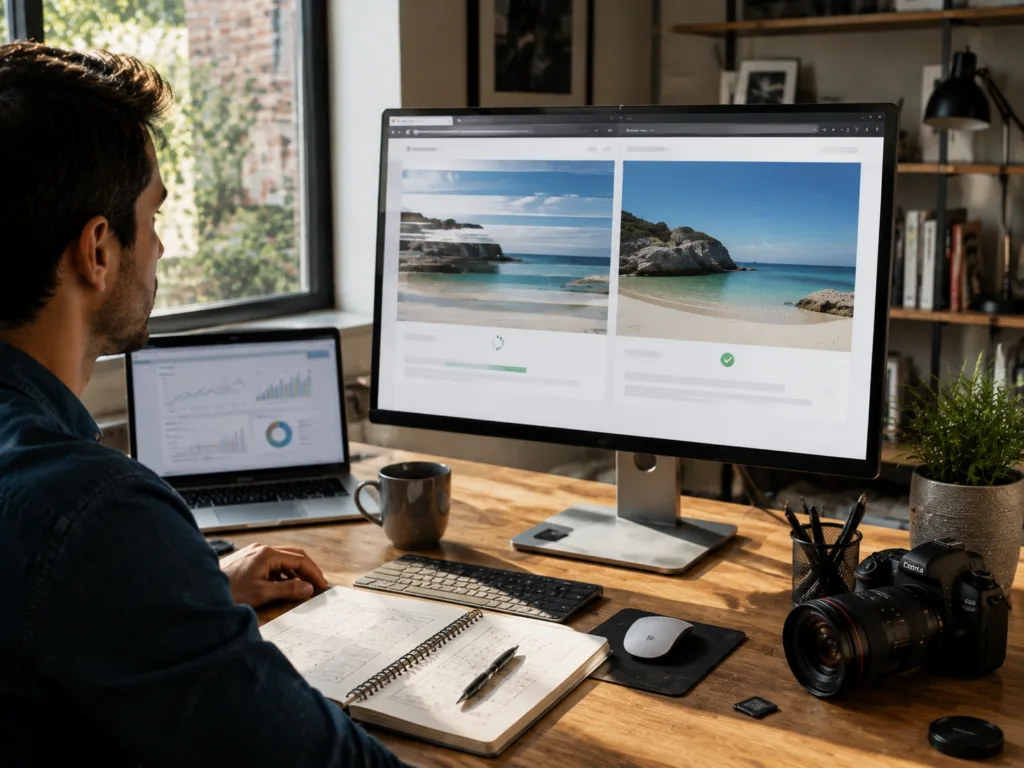
For instance, uploading images straight from a camera or stock library adds unnecessary file sizes to pages across your site. A single uncompressed photo can run several megabytes, and pages typically carry more than one. When you switch from PNG to WebP, it cuts image data by 25 to 34%, with no visible quality drop at all.
Beyond format choices, lazy loading tells the browser to fetch images only as a visitor scrolls down, rather than pulling everything at once on arrival. For decorative images that serve no real purpose, removing them entirely is the better call. They add load time without benefiting anyone.
How Page Structure Loads Differently on Different Devices
Not every device loads your page structure the same way, and that gap is where speed problems begin.
A multi-column desktop layout forces mobile browsers to recalculate how each element fits a narrower screen (and most Brisbane business owners only find out when a customer tells them). That recalculation adds milliseconds throughout the layout, which builds up noticeably on slower connections.
On top of that, page builders like Elementor wrap content in additional HTML layers that the browser must parse before anything appears. On a mid-range Android device on a 4G connection, that delay compounds across every page a visitor opens.
Font libraries and icon sets loaded globally create a separate problem. If your contact page requests a font file it doesn’t use, the server still responds to that call. Trimming those globally loaded assets improves accessibility and search engine crawlability at the same time.
Plugins and Hosting Drain Your Website’s Performance
Plugins feel harmless when you install them one at a time. But each one adds PHP code that runs on every page load, regardless of whether that page actually needs it. Take a contact form plugin firing on your homepage, or a slider loading on your blog page, for example. Neither belongs there, but both consume server resources on every visit.
Poorly coded plugins compound the problem further. Some trigger multiple database queries per page, and those queries hold up the server before anything reaches the visitor’s screen. We’ve seen sites drop their load time by several seconds just by deactivating plugins they’d forgotten were even installed (and most of them hadn’t been updated in over a year).

On the hosting side, shared environments are a common pressure point. Your site competes for server resources with every other website on that plan. During traffic spikes, that competition slows response times in ways no design fix can compensate for down the track.
Server location plays into this too. If your target audience sits in Brisbane and your server is based overseas, that physical distance will add latency on each request.
Bottom Line: A seamless user experience depends on both a lean plugin stack and a hosting plan matched to your actual traffic. If you get one wrong, the other can only do so much.
What a Speed Test Reveals About Your Design
When you run a speed test, you get a direct look at which build choices are costing you the most load time. And two tools that serve different parts of that diagnosis are Google PageSpeed Insights and Google Analytics.
PageSpeed Insights shows you where your pages are losing speed. At the same time, Google Analytics shows what that slowness costs in real visitor behaviour, through higher bounce rates, shorter sessions and fewer return visits.
One of the most telling things PageSpeed Insights reports on is Core Web Vitals. Google uses these three metrics to assess how a real visitor experiences your pages:
- Largest Contentful Paint (LCP): Tracks how long your main content takes to appear on screen.
- Cumulative Layout Shift (CLS): Measures how much the page jumps around while it loads.
- Interaction to Next Paint (INP): Records how fast your site responds to a visitor’s first tap or click.
Poor scores across these three often indicate issues with image sizing, font loading order, or layout structure. On a WordPress site, those usually point to build-stage decisions rather than server configuration.
That said, a failing score doesn’t always mean your hosting is off the hook. Server response time, resource limits, and CDN setup all feed into the same result.
A speed test separates these factors so you can see whether the main issue sits in the site build or the underlying infrastructure. It’s the kind of analysis the DPRConference team runs when auditing a new client’s site before any redesign work begins.
Better Design Choices Beat Optimisation Tools Every Time
The design decisions you make at the start of a build have more impact on page speed than any tool you install afterwards. In reality, optimisation tools patch over problems that good design avoids entirely. Here’s what to get right at the design stage:
WordPress Performance Decisions That Pay Off Early
The fastest WordPress sites are built on lightweight themes with lean templates from day one.

Theme choice guides everything that follows. Heavyweight options like Divi or Avada ship with features most sites never use, and that unused code still loads on each page.
On the other hand, lighter alternatives like Astra or GeneratePress give you a leaner starting point without locking you into a rigid layout. That one call at the build stage can save hours of performance troubleshooting later.
That extends to how your fonts load too. If your site pulls in Google Fonts, it fires on every page load, and no character appears until that request completes. But switching to a system font stack cuts that request entirely. Fonts like Inter or -apple-system are already on a visitor’s device, so the browser renders text straight away.
Keep in Mind: Every plugin you add should have a clear purpose. When you start with a focused stack and audit it every few months, you prevent the kind of slow bloat that compounds as your site grows.
Page Speed Gains You Get Before Changing Any Settings
Video backgrounds and full-width hero sections are among the heaviest assets a browser loads first. If you leave them out, your page reaches a usable state quickly.
For ecommerce sites, that speed gap feeds directly into conversion rates. Visitors who wait more than three seconds are far less likely to complete a purchase, and that drop-off compounds on mobile connections.
Fewer page sections produce a similar result. Each one you remove takes HTML, CSS, and sometimes JavaScript out of the render queue. As a result, flat structures load faster across different devices and connection types, and you get that improvement without touching a single setting.
Visual hierarchy works the same way. To keep image files from adding unnecessary load time, size them to their exact display dimensions rather than letting the browser scale them down on the fly. From there, group relevant content logically so the page builds in a predictable order. Both decisions cut processing time before your page feels usable to your target audience.
Your Next Step Toward a Faster Site
Website speed is the result of dozens of small decisions made during the build, and most of them are far easier to get right from the start than to correct later.
You don’t need a stack of optimisation tools to get there. A lightweight theme, a focused plugin stack, properly formatted images, and a clean page structure will take your site further than any settings panel. Those are design decisions available to anyone building or rebuilding a WordPress site.
However, knowing what to fix and fixing it correctly aren’t the same thing. If your site is already live and a speed test is returning poor scores, the DPRConference team can help you identify exactly where your design is holding your performance back.
Contact our team today for a free evaluation.
Frequently Asked Questions
These are the questions we hear most often from site owners who are starting to take their website’s performance seriously.
How do I know which plugins are slowing down my site?
The most reliable way to analyze this is through a tool like Query Monitor, which shows you how much load time each plugin adds. From there, deactivate them one at a time and monitor the change in site performance after each removal.
Can website optimization actually improve my SEO?
Yes. Search engines factor site speed directly into rankings, so a faster webpage performs better in results. Using SEO tools alongside speed data helps you connect technical improvements to real gains in organic visibility and website visitors.
Does server location affect site speed for visitors in different locations?
It does. The physical distance between your server and your website visitors adds latency on every request. A content delivery network, or CDN, solves this by serving your pages from different locations closer to where your audience is.